Boost Your SEO: How Optimized Images Elevate Engagement
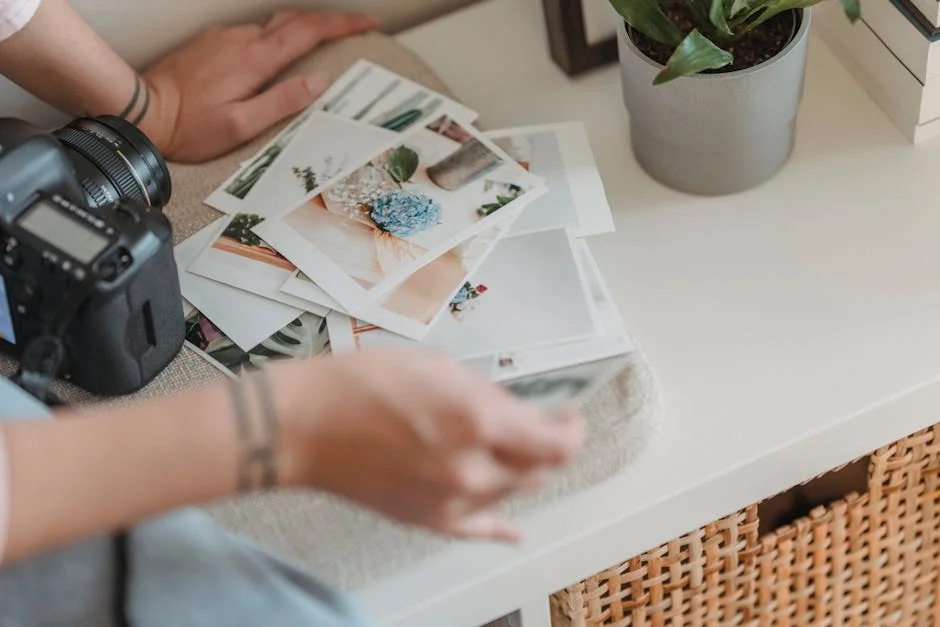
Imagine scrolling through a blog, and you’re greeted by a visually stunning image that perfectly captures the essence of the content. It draws you in, making you more likely to read and engage. This is the power of optimized images. They do more than just beautify your blog posts; they are a crucial component of your SEO strategy. But what exactly makes an image SEO-optimized? And how can you ensure your images are doing their job?
Why Optimized Images Are Key for SEO
Optimized images are essential for SEO for several reasons. First, they help improve your page’s loading speed, which is a significant factor in SEO rankings. Search engines, like Google, prioritize fast-loading pages because they provide a better user experience. Additionally, optimized images are more likely to be shared on social media, increasing your content’s visibility.
How to Achieve Image Optimization
To optimize your images for SEO, start by choosing the right file format. JPEG is best for photographs, while PNG is ideal for graphics with text. Resize your images to the dimensions you need, and don’t forget to compress them to reduce file size without compromising quality. Additionally, use descriptive file names and alt text that includes relevant keywords.
The Role of AI in Image Optimization
AI-powered tools can automate the process of optimizing images for SEO. These tools analyze your images, suggest improvements, and even resize and compress them for you. By leveraging intelligent automation and advanced language models, these tools ensure your images are perfectly optimized for both search engines and readers.
Maximizing Reader Experience with Optimized Images
Optimized images do more than just improve SEO; they enhance the reader experience. High-quality, relevant images break up text, making your content more engaging and easier to read. They also help communicate your message more effectively, supporting your content and making it more compelling.
Common Mistakes to Avoid
Many people think that any image will do, but this is a common mistake. Using irrelevant or low-quality images can turn readers away. It’s also important to avoid overcrowding your post with too many images, as this can slow down your page and distract from your content.
Practical Tips for Optimized Images
Here are some practical tips to ensure your images are SEO-optimized and enhance your reader experience:
- Use high-quality images: Choose images that are clear, relevant, and add value to your content.
- Optimize file size: Resize and compress your images to ensure fast loading times without compromising quality.
- Add descriptive alt text: Include keywords in your alt text to improve your image’s search visibility.
- Maintain a balance: Use images to complement your content, not to overwhelm it.
The Takeaway
Optimized images are a powerful tool in your SEO arsenal. By following these tips and leveraging AI-powered content solutions, you can ensure your images are doing their job. Not only will this boost your SEO, but it will also enhance the reader experience, leading to higher engagement and more shares.